For digital invitations and messages
Just a link
Simply paste your album link
No printing needed
Get ready for every guest’s photos
Create an album and choose how to share your QR code. Get a link and print-ready files for stickers, framed prints, and posters—all in one place.

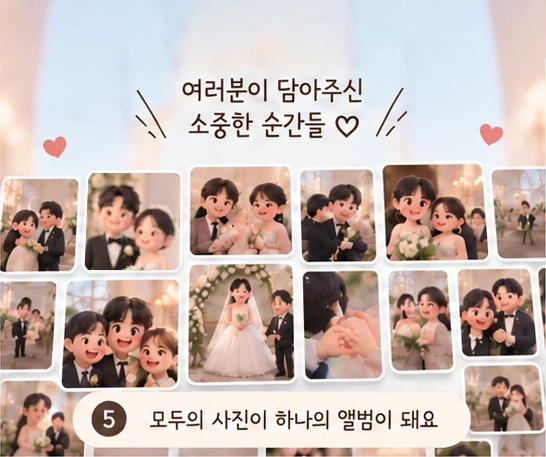
The moments you captured

Share them with us
“The color of the bouquet was really pretty.”
A note from Doyoon
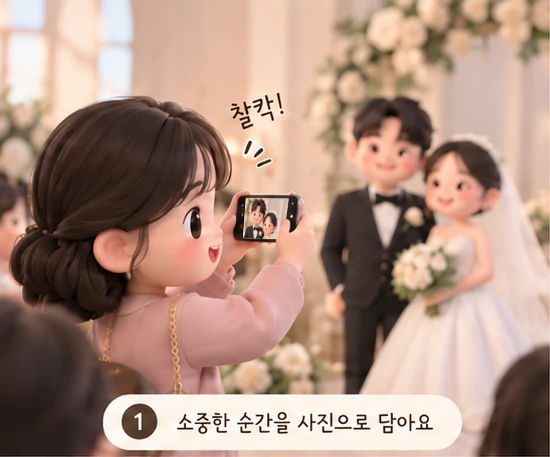
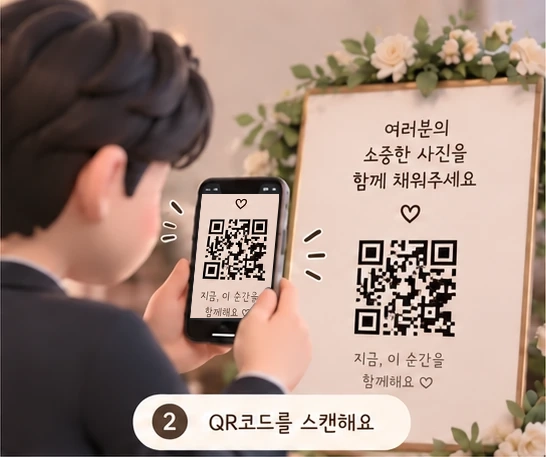
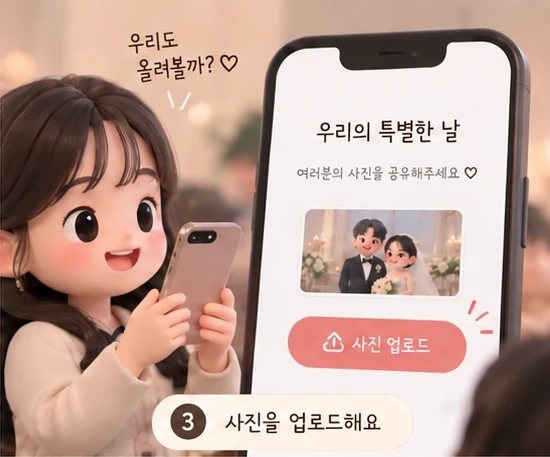
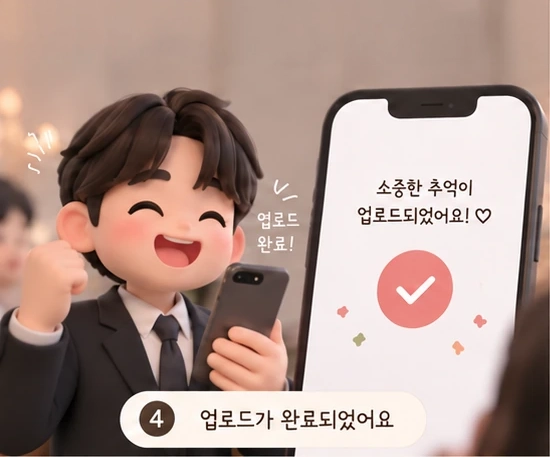

Made for your wedding
Already have meal tickets or a frame? Choose the QR option that fits your setup.
For digital invitations and messages
Simply paste your album link
No printing needed
For meal tickets you already have
3 × 3 cm · Square or heart-shaped QR
Packs of 50
For your reception desk or photo table
4 × 6 frame with print
From 1 item
For a wall where guests can see it
A3 · 297×420mm
From 1 print
Download your finished design as a PNG or PDF, ready to print.
Order the QR stickers, framed prints, or A3 posters you need. Orders ship within 3 business days of payment and arrive within 14 days of payment.
Start with one album
Start uploading and downloading as soon as you pay, until 30 days after your wedding. Access is capped at 7 months from payment, even if the wedding date changes. Your album includes a sharing link and print-ready QR files.
Unlimited uploads and downloads
Start immediately · Past weddings: 30 days from payment
Up to 7 months from payment, including date changes
100 GB storage · Up to 200 MB per photo or video
QR links and print-ready files included
50 QR stickers 3,000 won · 4x6 frame + 1 print 5,000 won · 1 A3 poster 5,000 won
Integrated shipping cost 3,000 won per order
| Comparison items | 모아컷 | Photo collection service | Messenger | Shared Album |
|---|---|---|---|---|
| Rate | FreePaid product 19,900~ | FreeAdditional storage fee required | FreeAdditional capacity paid | |
| Storage | 100GBPhoto and video combined Max 200MB per file | Price varies by plan | Depending on device/storage service | Account shared 15GB |
| Period of use | 30 days after the ceremony | 7-90 days after event | Depending on storage method | No event deadlineApply account policy |
| Upload photos without registering | ||||
| Decorate the sharing screen | ||||
| Public/private by photo | ||||
| Like | ||||
| Restriction on saving photos of wedding guests | ||||
| QR code provided | ||||
| Print production and delivery |
2026.09.10 Comparison was made based on service examples of each method. Actual fees and scope of provision vary depending on the service/product.
○ is a basic function of the displayed product, and △ is a function that requires selection of a paid product or additional payment. Print production and delivery are optional.
Decoration includes setting the cover/text, chat room photo/name, and shared album cover/title. A like is a reaction left on a photo or photo post.
Public/private by photo is a function that divides photos that are visible to all and photos that only the organizer can see within the same album. The scope is different from the sharing target settings for the entire album or chat room.
QR is a code for sharing an album or adding/participating as a messenger friend. Production and delivery are based on QR stickers, picture frames, and posters.
Photo storage restrictions apply to download functions within the service. It doesn't even block screen capture. The 모아컷 month album from the previous ceremony is 30 days from the date of payment.
An invitation to your guests
Open the QR code and today's album appears.
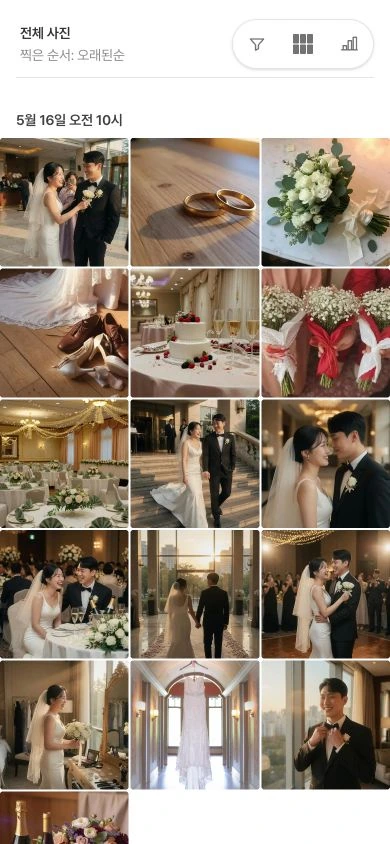
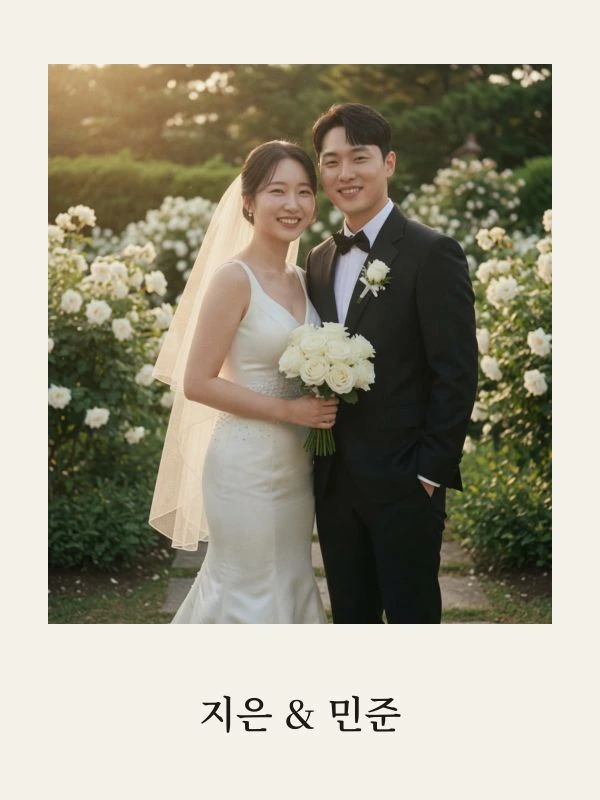
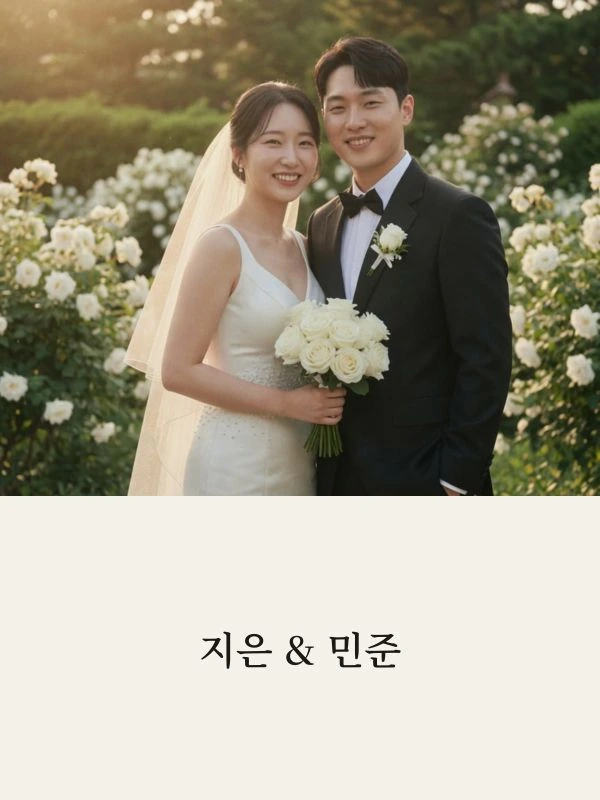
See how your album will look
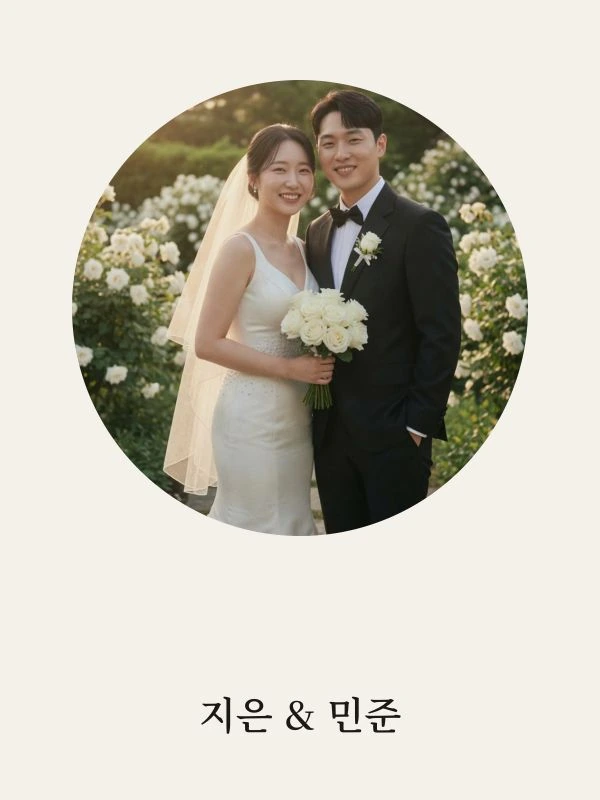
Choose a photo and make it yours with one of six cover layouts.



Once the photos arrive
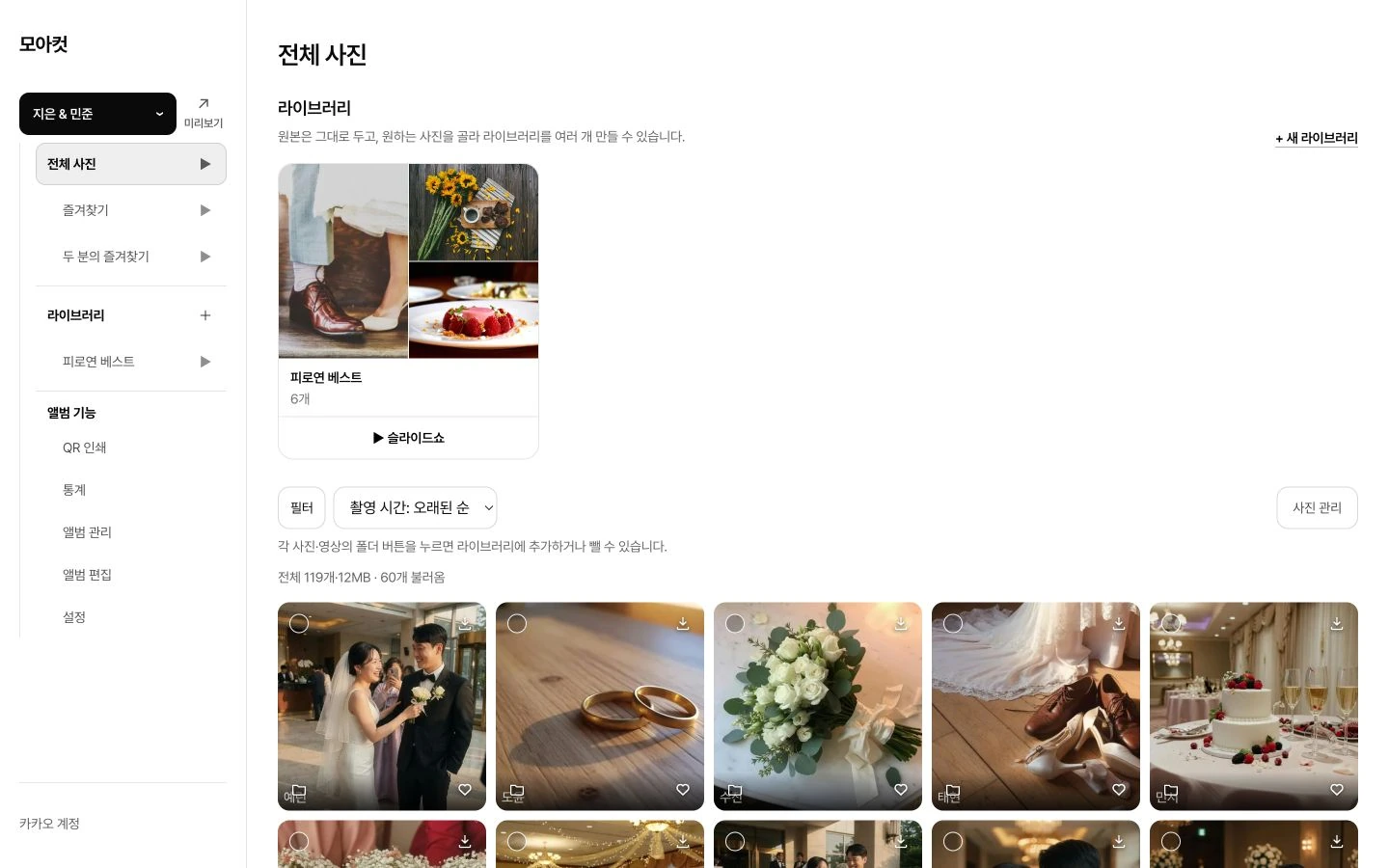
Pick your favorites together and download the original files to keep.
Choose together
See each person’s favorites and the photos you both picked. Organize them into collections, download your selections as a ZIP, or play them as a slideshow.
Watch together
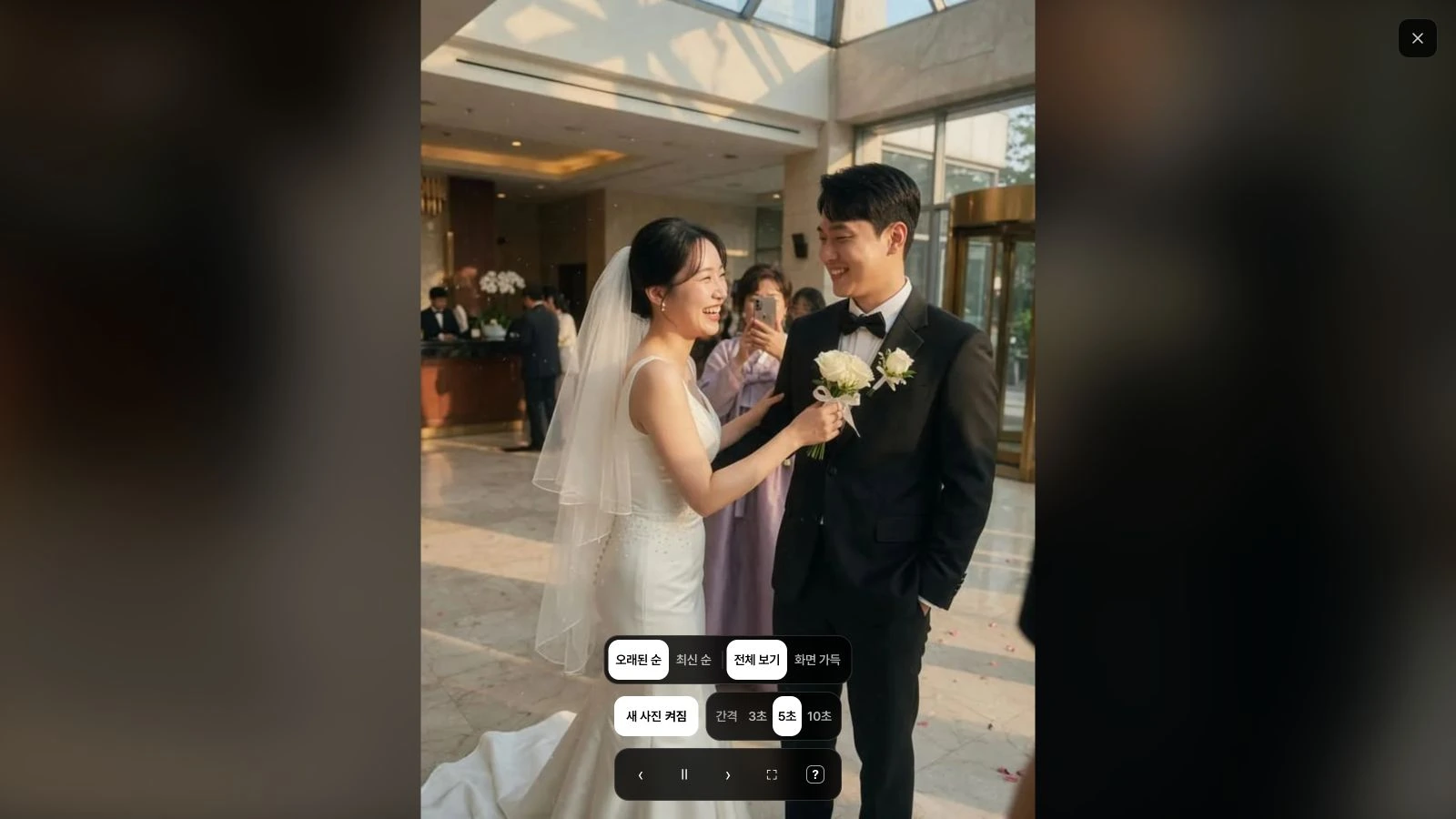
Play all photos, your favorites, or a collection. Sort by capture time, set a 3-, 5-, or 10-second interval, and choose to fit each photo or fill the screen.
Before you begin
You can collect photos using just your album link. Your album also includes PNG and PDF files for stickers, framed prints, and posters. Print them yourself or use a print shop of your choice.
Yes. Add a 3 × 3 cm QR sticker to each ticket. Choose square or heart-shaped stickers and order in packs of 50. You can also print the A4 sheet on sticker paper and cut out the stickers yourself.
No. Guests can open the QR code or album link and upload their photos and videos straight away.
The free trial lasts 24 hours and is available once per account. With the paid album, uploads open as soon as you pay and remain available until 30 days after your wedding. If your wedding has already taken place, you get 30 days from payment. Access ends no later than 7 months after payment, even if the wedding date changes. The earlier deadline applies.
The regular price is KRW 19,900. Any available discount is shown before you pay. Each album includes 100 GB of storage, with a 200 MB limit per photo or video. QR links and print-ready files are included. Stickers, 4 × 6 framed prints, and A3 posters can be ordered separately in the quantities you need.
Each photo can be public or private. Private photos are visible only to the couple and the guest who uploaded them. You can also protect the album with a password or keep the gallery hidden while collecting photos.
Yes. View each person’s favorites or the photos you both favorited. You can create multiple collections from your selections while keeping the original photos in place.
Yes. Start a slideshow from all photos, your favorites, or a collection. Adjust the order, timing, and screen fit. Newly uploaded photos can join the slideshow automatically.
After your album expires, there is a 7-day storage grace period before it becomes eligible for permanent deletion. Download the original files as a ZIP while your album is still active. Previously purchased plans keep the retention period agreed at purchase.
Set it up before the big day
Try creating an album and QR files for 24 hours before you buy.